
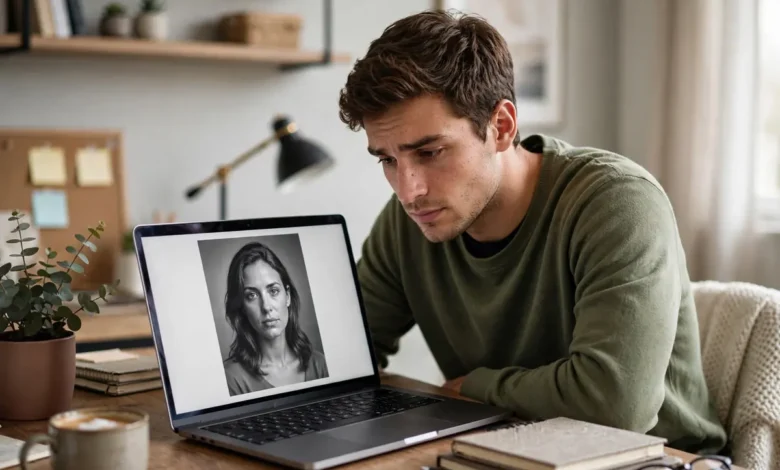
You saw a photo, a paragraph, a clip, or a voice note and thought: is this AI? You can often build a strong suspicion, but you rarely get absolute proof from looking alone. Start with provenance checks like Content Credentials and reverse image search, then look for visual, writing, and audio clues, and treat any detector score as one signal, not a verdict.
A single odd finger or polished sentence proves very little. Several weak signals pointing the same way tell you far more, and a verified source almost always beats pixel-hunting.
Why “Is This AI?” Is Harder Than It Looks
Most content now sits in the middle. A person might draft text and ask a model to clean it up. A photographer might shoot a real scene and use AI to remove an object. A video might pair real footage with a synthetic voice.
So a yes-or-no label often hides the real question. Was the whole thing generated from a prompt, was a real file edited with AI help, or did a person make it entirely and a detector guessed wrong?
Detectors do not work like fingerprints. Text detectors estimate how predictable wording looks. Image detectors look for statistical patterns in pixels. Both return a probability, not a fact, and both weaken once content is edited, shortened, translated, compressed, or re-recorded. Absence of evidence is not evidence of human creation, and a high score alone should never decide a grade, a job, or a reputation.
How to Tell If an Image Is AI Generated
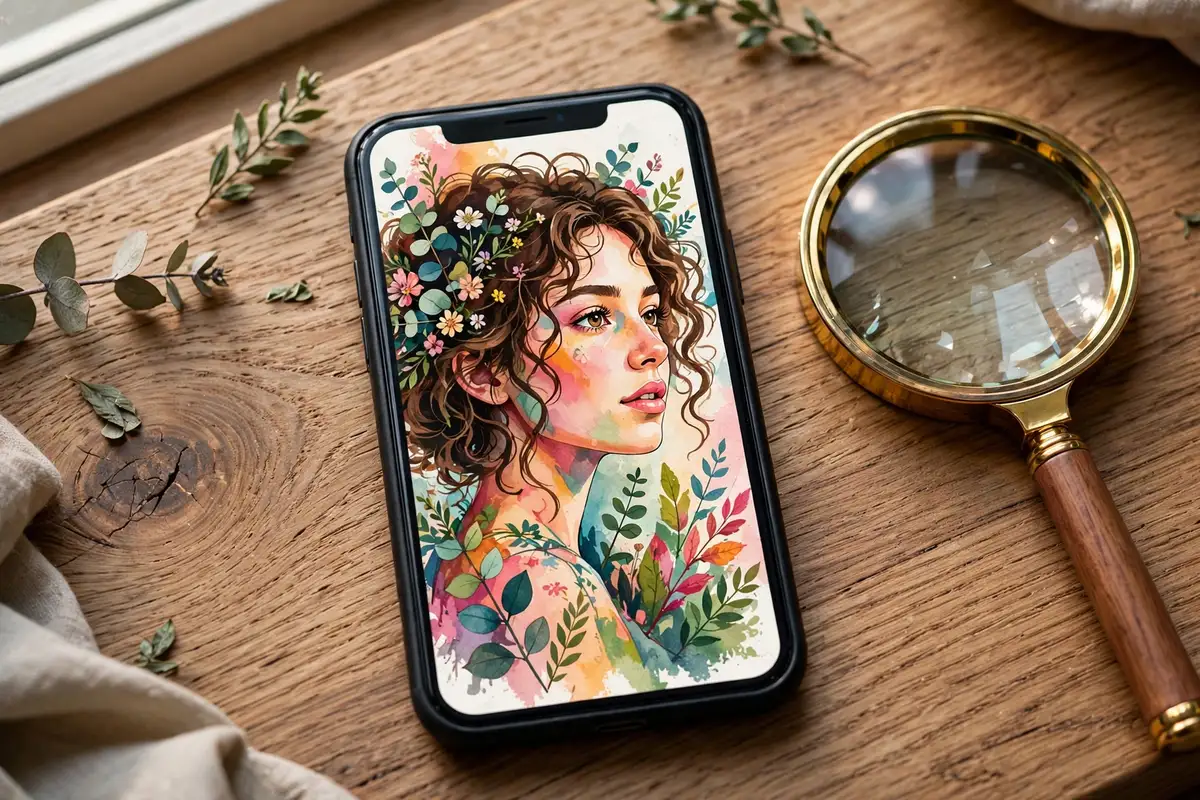
Learning how to tell if an image is AI generated means combining a close visual check with two technical checks that take under a minute.
Start With Hands, Text, and Small Details
Zoom in first. Hands are still useful, even though newer models handle them better. Count fingers. Look for digits that merge, bend the wrong way, or grip an object in a way a real hand could not.
Next, read any text inside the image. Signs, name badges, book covers, and logos often give generators trouble. Letters may look sharp from a distance and dissolve into near-words up close, or a familiar logo may carry a subtle misspelling.
Then check small edges. Earrings that do not match, glasses that melt into skin, teeth that blur into one block, and hair that turns smooth at the hairline all deserve a second look. No single clue settles it. Together, they raise the odds of a generated or heavily edited file.
Check Light, Shadows, and Reflections
Light has to agree with itself in a real photograph. Pick one light source, then follow the shadows. Do they fall in a consistent direction? Does a reflection in a window, glasses, or a shiny table match the scene?
Generators can produce a polished scene while getting this agreement wrong. A face lit from the left, a background lit from above, and a reflection showing a different room are worth noting. So are warped door frames, repeating patterns that make no sense, and objects that clip through each other. Treat overly smooth, plastic skin the same way: a prompt to check further, not a conclusion. Real photos can look clean, and generated images can look grainy.
Check Provenance: Content Credentials, SynthID, and Metadata
The strongest checks do not involve looking at the picture. Start with Content Credentials, the C2PA provenance system backed by camera makers, software companies, and news organisations. A credential is a signed record attached to a file that can show which tool created or edited it and whether AI generation was involved. You can inspect a file on the Content Credentials verify site, and some cameras and apps display the record directly.
A valid credential naming an AI generator is strong evidence. An empty result is not. Credentials can be stripped by screenshots, social media uploads, or format conversion, so “no credentials found” means inconclusive.
Google’s SynthID embeds an invisible watermark in the pixels of content made with Google’s AI tools, designed to survive cropping and compression. Upload an image to the Gemini app and ask if it was created with Google AI, and it will check for that signal. The limit is plain: it only recognises watermarks from participating tools, so “no watermark” does not rule out another generator.
EXIF metadata helps narrowly. It may list a camera model, lens, and exposure settings for a genuine photo, or name generation software. Platforms strip much of it on upload, so missing metadata is common for real photos too. Treat it as a hint.
Run a Reverse Image Search
Upload the file to Google Lens or TinEye and look at the earliest, most credible results. A trace back to a news report, a photographer’s portfolio, or an event predating current generators supports a real origin. Earliest copies on AI showcase accounts, or the same image circulating with conflicting captions about different places, point the other way. The image may also be real but mislabelled, a separate problem worth catching. No results proves little, since a new real photo has no history either, but an empty trail adds weight when other clues agree.
How to Tell If Text Is AI Generated
Text is the hardest format to judge. Learning how to tell if text is AI generated mostly means learning what not to trust, because style clues are weak and scores are weaker than their marketing suggests.
Look for Patterns, Then Check the Facts
Watch for even, polished paragraphs that say very little, generic claims credited to nobody, and confident statements with no names, dates, or sources you can verify. Lack of concrete detail matters more than any word choice. People writing from real knowledge tend to name the tool, the place, the constraint, or the mistake. Generated drafts often stay safely general.
Similar sentence shapes, balanced pros and cons that never reach a position, and conclusions that restate the introduction can also appear in AI drafts. They also appear in tired human writing and formulaic school essays. That overlap is why style alone cannot carry an accusation.
Fact-checking works better. Pick two or three specific claims and verify them independently. Invented citations, quotations found nowhere else, and details that shift between paragraphs are more telling than tone.
Why AI Text Detectors Fail So Often
Detectors generally measure how predictable a passage is, often described through perplexity and burstiness. Predictable writing scores as more likely AI. The flaw is built in: careful human writing is often predictable, and AI output can be edited to look irregular.
A widely cited Stanford study found detectors flagged a large share of essays by non-native English writers as AI-generated, while rarely flagging native-speaker essays in the same test. Simpler, constrained English looks more predictable, so those writers get punished for a pattern, not their process.
OpenAI withdrew its own AI text classifier in 2023 after acknowledging low accuracy. Independent evaluations have found that paraphrasing or light editing can sharply reduce detection, while formulaic human genres like legal, technical, and scientific writing can trigger false alarms.
Watermarking tries another route, hiding a statistical signal in word choices. Even its makers publish sharp limits: OpenAI has reported that editing a modest share of words can cut detection sharply, and short passages are far harder to judge than long ones. A missing watermark proves nothing. Use a detector only as a screening step, test a longer sample, and never let a percentage override drafts, notes, revision history, or a conversation with the writer.
How to Tell If a Video Is AI-Generated
Pause the clip and step through busy moments. Look for flickering around the hairline, skin texture that changes between frames, ears or teeth that shift shape, and blinking that looks absent, excessive, or oddly timed. Hands and background text fail much as they do in still images, except they may warp and recover as the clip plays.
Watch physics and continuity next. Shadows that jump, reflections that lag, objects that float or pass through each other, and backgrounds that ripple behind a steady subject suggest generation or heavy manipulation. Check lip movement too. Speech trailing the mouth, wrong mouth shapes for hard consonants, and vocal emotion that does not match the face are common failures, especially when AI-generated video and voice tools pair a synthetic performance with a cloned track.
Then check the source. Who posted it first? Did any credible outlet cover the event? Does the account have a history, or did it appear for this one dramatic moment? A striking clip with no independent confirmation is suspicious no matter how clean it looks.
How to Tell If Audio or a Voice Is AI-Generated
Listen for delivery first. Synthetic voices can sound flat in an emotional moment, oddly even across a long sentence, or polished in a way that leaves out breaths, small pauses, and expected background sound. Mispronounced names and a cadence that does not match other recordings of the same speaker are worth noting.
Do not let that test decide urgent cases, though. A real person on a bad connection can sound robotic, and a good synthetic voice can include deliberate imperfections. If a message asks for money, codes, or secrecy, the request itself is your strongest signal. Stop, contact the person through a number or channel you already trust, and use a family code word if you have one. Verification through a separate channel beats any listening test.
A Simple Workflow When You Need an Answer
Work in the same order every time. First, check the source: earliest version, who shared it, and any independent reporting. Second, check provenance: Content Credentials, a SynthID result where supported, and metadata in the original file, not a social media copy. Third, inspect the content: hands and text for images, specific claims for writing, frame continuity for video, delivery for audio. Fourth, run a detector if a suitable one exists and record it as a probability.
State your confidence honestly. “Probably generated, based on a valid credential and two visual clues” is defensible. “A detector said 87 percent” is not. If money, safety, or a reputation is at stake, get a second reviewer. Keeping up with current AI trends and tools also helps you know which checks still mean something and which old rules have expired.
What to Do About False Positives
A false positive means real, human-made content gets labelled as AI. It happens with student essays, photos cleaned up in an editor, compressed videos, and plain, regular English. The harm is real: a misconduct process, a lost client, days spent appealing an automated label.
Refuse single-signal decisions. Ask for originals, drafts, camera files, or project history, and let the creator explain their process. Note which signals you relied on so someone else can review the reasoning. If your own work gets flagged, reply with specifics: the earliest file, any credentials or camera data attached to it, and intermediate versions showing the work developing. Provenance and process answer the charge far better than insisting the detector must be wrong, even when it is.
Frequently Asked Questions
Can an AI detector prove that something is AI-generated?
No. Detectors return a probability based on patterns, not proof of how a file or passage was made. A result can support a wider check using provenance records, original files, and source history, but a score alone should never be treated as proof for grades, jobs, or public accusations.
How can I check if a photo is AI-generated for free?
Zoom in on hands, in-image text, and reflections, run a reverse image search with Google Lens or TinEye, and inspect Content Credentials on the free verify site. You can also upload the image to the Gemini app and ask if it was made with Google AI, which checks for SynthID. An inconclusive result is common and does not confirm the photo is real.
Why do AI detectors flag human writing as AI?
Detectors reward unpredictability, so plain, formulaic, or carefully edited human writing can look machine-made. Research has found higher false positive rates for non-native English writers and structured genres like technical and legal writing. Short samples make it worse because the tool has less to judge.
Does missing metadata or Content Credentials mean an image is fake?
No. It means the provenance chain is missing or broken. Screenshots, social uploads, and format conversions routinely strip metadata and credentials from genuine photos. A valid credential can tell you a lot. An absent one tells you almost nothing.
What is the most reliable sign that a video is AI-generated?
There is no single reliable sign, because strong fakes can pass individual checks. Combine signals instead: glitches around faces and hands, lip-sync or physics errors, missing provenance on the original file, and no independent source confirming the event. Context usually outweighs any one glitch.
Can AI-generated content be edited so detectors miss it?
Yes, and it does not take much. Paraphrasing, synonym swaps, cropping, re-recording, and format conversion can weaken detector signals and watermarks. A “human” result never guarantees human creation. It means that tool found no strong signal in that version of the file.
What should I do if a voice message sounds like AI and asks for money?
Treat the request as the warning, whatever the voice sounds like. Send no money or codes, do not reply on the same channel, and contact the person through a number you already trust. Use a family code word if you have one. A separate-channel check defeats the scam even when a clone sounds convincing.
Related Reading
The creator economy is shifting in audio too, as explored in How Podcast Creators Are Finding Voice Talent More Efficiently?